My first useful ChatGPT Atlas workflow
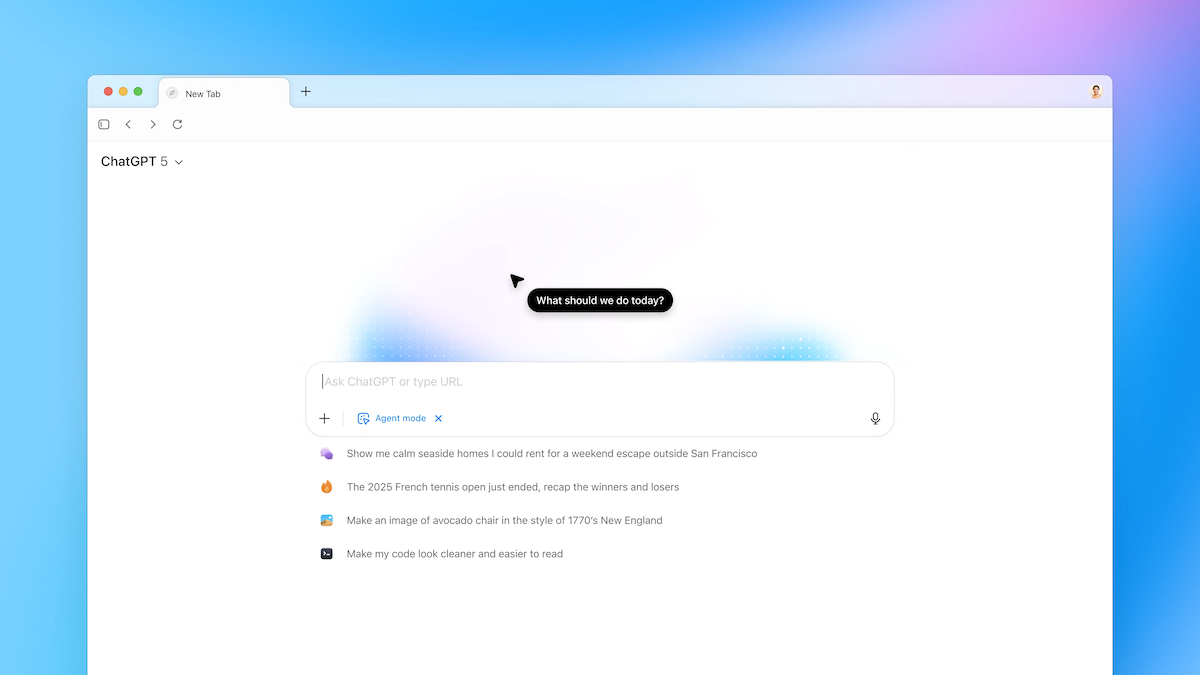
2026/01/08 #projectWhen OpenAI announced ChatGPT Atlas (their AI-enabled browser that can interact with web pages) I was curious but skeptical. The demos looked impressive, but like many new AI features, I wasn't sure if it would solve any real problems I had.
Then I ran into a perfect use case: testing a bot interface with more than 40 questions.
The problem
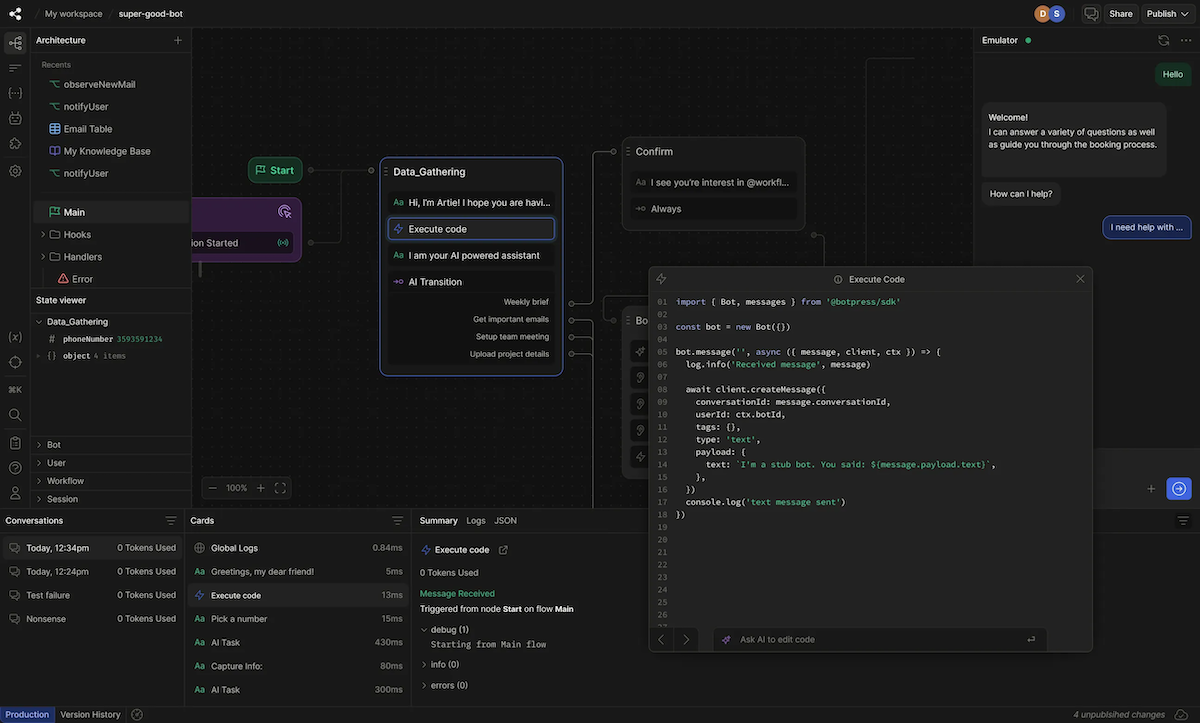
For work I was working on a chatbot that needed to handle a specific set of questions. The challenge wasn't just making sure it could answer them but we also needed to compare how the bot's responses changed when we adjusted its settings.
The obvious solution would be to automate this through an API or server-side testing. But here's the thing: setting up that kind of automation is complex. It requires development time, maintenance, and technical knowledge that not everyone on the team has.
What we really needed was something reproducible but simple enough that anyone in the company could run the tests without writing a single line of code.
The solution
Turns out the solution was surprisingly straightforward. I opened the bot's chat interface in an Atlas browser window and gave it a simple task: work through a list of 40 questions, one at a time.
The workflow looked like this:
- Paste the list of questions into the prompt for ChatGPT in Atlas one time
- Post the first question to the bot
- Wait for the response
- Hit reset to start a fresh bot interface and paste the next question
The key was making sure Atlas didn't get interrupted while waiting for the slow bot responses. Once I got that part right, it just... worked. It went through each question methodically, waited patiently for responses (no matter how long they took), and moved on to the next one.
Why this felt kind of magical
Watching it run through all those questions on its own was honestly kind of impressive. It wasn't just that it worked - it was that I had created a reproducible, no-code testing setup that anyone on the team could use whenever we changed the bot's settings.
This is the kind of task that sits in an awkward middle ground. It's way too tedious to do manually with 40 questions (I mean, who wants to sit there clicking through that many times?). But it's also too simple to justify spending the time building some complex automation infrastructure around it. Atlas hit that sweet spot perfectly.
Why not just build proper automation?
Could we have built a proper automated testing suite? Sure. Would it have been more robust and faster? Probably. But would it have been accessible to non-technical team members? Absolutely not unless we build some pretty UI for it as well and host the service somehow.
What I like about the Atlas approach is how simple it is. No API keys to manage, no scripts to maintain, no dependencies to update. Just open Atlas, paste your questions, and let it run. When we need to test again after changing settings, anyone can repeat the process in a few minutes.
A quick caveat about AI-enabled browsers
I should mention that AI-enabled browsers like ChatGPT Atlas come with some real concerns. There are security issues to be aware of, and honestly, they're often not the right tool for the job because of their inherent unreliability and the uncertainty of outcomes.
For most tasks like this, a programmatic or API-driven approach would definitely be preferable if we had more time available. The main reason is that with automation, all the variables are entirely set and there's no need for qualitative review until the final comparison of outputs. And to be clear, that final comparison of outputs is currently done manually by a human anyway, so we're not replacing human judgment, just the tedious clicking.
That said, for a quick and dirty solution that got us what we needed in the short term, Atlas worked surprisingly well.